Table of Contents
Managing employees involves much more than maintaining a list of names and contact details.
Businesses need to keep employee records updated, track attendance, manage leave requests, process payroll, review expenses and coordinate everyday work activities. As teams grow, these responsibilities become harder to manage across separate files, applications and departments.
For example, an employee’s attendance may be recorded in one system, leave applications may be handled through another, and salary information may be maintained separately. HR then needs to bring these records together whenever a manager asks for an update or payroll is due.
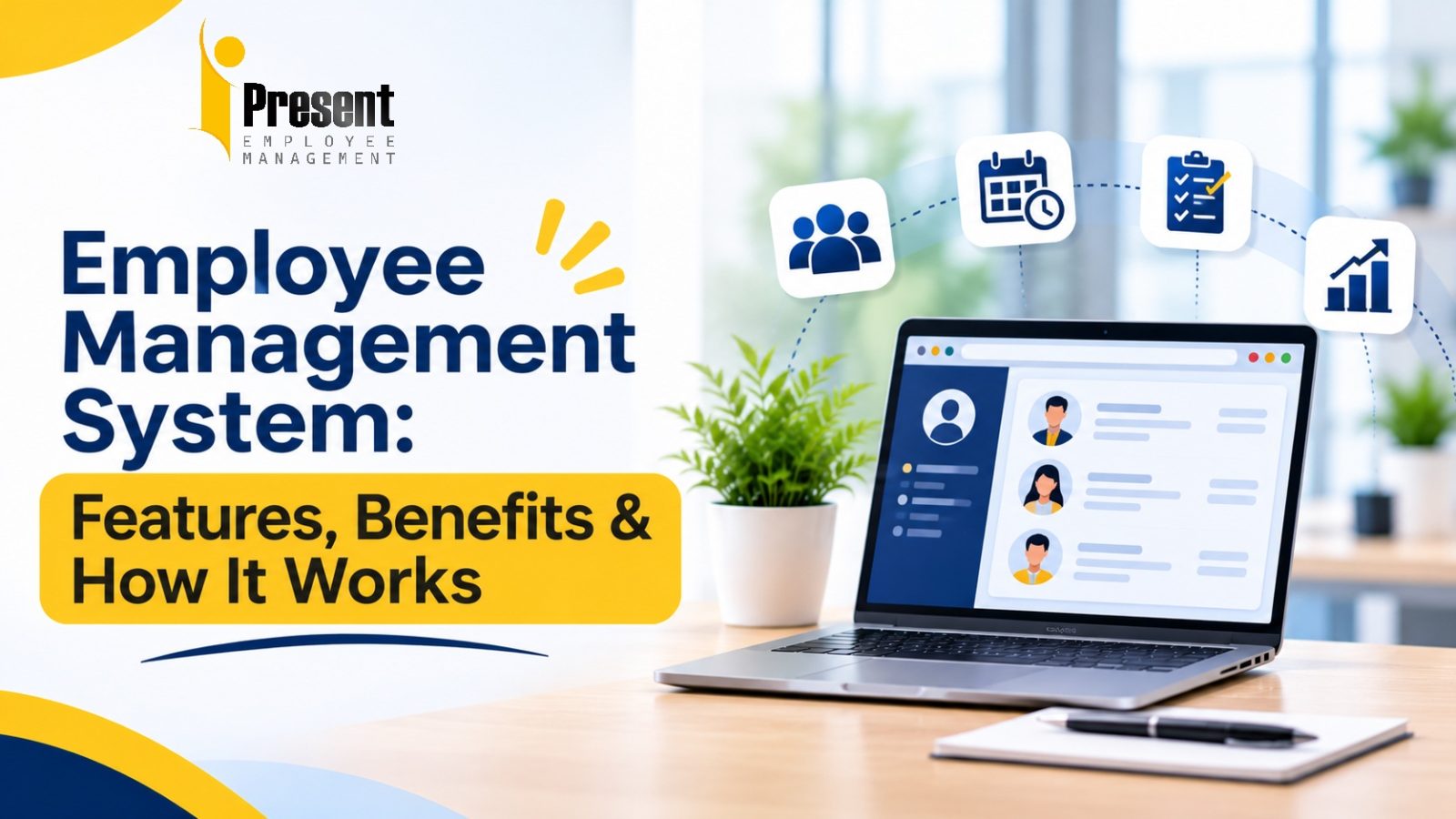
An Employee Management System helps businesses manage these activities through a centralised platform. It brings employee information and related work processes together, giving HR teams, managers and employees access to the information they need.
But what exactly does an employee management system do? Which features should it include, and how does it work in everyday business operations?
Let’s understand the system, its key features and the benefits it can offer.
What Is an Employee Management System?
An Employee Management System (EMS) is a software platform that helps businesses maintain employee information and manage day-to-day workforce activities.
Depending on the software, it can include employee records, attendance tracking, leave management, payroll, expense management, timesheets, asset allocation and employee self-service.
Instead of maintaining these activities through disconnected tools, an EMS brings relevant information together so that employees, managers and HR teams can work with consistent records.
For example, when a new employee joins, the business can create their employee profile, record relevant details, provide access to company documents and assign responsibilities or company assets.
As the employee starts working, the same platform can help manage attendance, leave applications, expenses and other activities.
The scope of an Employee Management System varies by provider. Some solutions focus on everyday employee administration, while broader HRMS platforms may also include recruitment, performance management, training and workforce planning.
Employee Management System vs HRMS vs HRIS: What Is the Difference?
You may come across terms such as Employee Management System (EMS), Human Resource Management System (HRMS) and Human Resource Information System (HRIS) while exploring employee management software.
Although these terms are sometimes used interchangeably, they generally describe different areas of HR technology.
System | Primary focus | Typical functions |
Employee Management System (EMS) | Managing everyday employee operations | Employee records, attendance, leave, expenses, timesheets and employee self-service |
Human Resource Information System (HRIS) | Maintaining and organising employee information | Employee database, records, documents and HR information |
Human Resource Management System (HRMS) | Managing a wider range of HR processes | Core HR, attendance, leave, payroll and, in some platforms, recruitment and performance management |
In practice, the boundaries are not always fixed. Software providers may use these terms differently depending on the modules included in their products.
Therefore, it is more useful to understand the actual features and processes a platform supports than rely only on its product category.
For a broader explanation, refer to SAP’s guide to Human Resource Management Systems.
10 Essential Features of an Employee Management System
An Employee Management System can include several modules, depending on the business requirements and the software selected.
Here are ten important features that help businesses manage employees and their everyday activities.
1. Centralised Employee Database
Employee information is the foundation of any employee management process.
A centralised employee database allows businesses to maintain relevant details in one place instead of searching through separate files.
Common employee information includes:
- Employee name and identification details.
- Contact information and emergency contacts.
- Department and designation.
- Date of joining.
- Reporting manager.
- Employment details.
- Relevant documents and records.
HR teams can use these records to access employee information, make authorised updates and maintain a consistent employee database.
It also becomes easier to retrieve information when preparing reports or reviewing an employee’s history.
2. Employee Lifecycle and Document Management
Employee information changes throughout their time with an organisation.
A new employee may need to submit documents during onboarding. Existing employees may need to update their contact details, while HR may need to share company policies or other important documents.
An employee management system can help organise these activities.
Depending on the platform, this may include:
- Collecting employee documents during onboarding.
- Maintaining employee profiles.
- Updating personal information.
- Providing access to company policies and documents.
- Keeping relevant employee records accessible.
This gives HR a more organised way to maintain employee information beyond the initial joining process.
3. Employee Attendance Management
Attendance management helps businesses record employee check-ins, check-outs and working hours.
An employee management system may support different attendance methods depending on how employees work.
These can include:
- Mobile-based attendance.
- GPS-based attendance for field employees.
- Geo-fencing for approved work locations.
- Wi-Fi or IP-based attendance.
- Face recognition.
- Biometric device integration.
- Multiple check-ins and check-outs.
Businesses can also manage shifts, working hours, overtime and attendance policies through the system.
For organisations with multiple branches or employees working outside the office, centralised attendance visibility helps managers review attendance across locations.
Read more about Employee Attendance Management Systems.
4. Leave Management
Employees need a defined process to apply for leave, check their available balances and track application status.
A leave management module helps businesses manage these activities through a common platform.
Depending on the software, it can support:
- Different leave categories.
- Leave applications and approvals.
- Leave balance tracking.
- Holiday calendars.
- Compensatory off.
- Leave history and reports.
- Configurable leave policies.
Managers can review employee requests, while HR can maintain leave records and monitor balances.
When leave information is connected with attendance, businesses can also maintain more consistent employee records.
Explore the Leave and Attendance Management System to understand how these processes can work together.
5. Payroll Management
Payroll involves calculating employee salaries based on their salary structures, attendance, applicable deductions and other relevant components.
An employee management platform with payroll capabilities can connect employee information with salary processing.
Depending on the software and selected plan, payroll features may include:
- Employee salary structures.
- Earnings and deductions.
- Attendance and leave inputs.
- Payroll calculations.
- Payslip generation.
- Payroll reports.
- Statutory information and reports.
Connecting employee records with payroll can reduce repeated data entry and help HR and accounts teams work with consistent information.
However, businesses should verify which payroll functions are included in the platform and whether additional integrations are required for their accounting process.
6. Employee Self-Service (ESS)
Employee Self-Service allows employees to access relevant information and complete routine activities without depending on HR for every request.
Instead of contacting HR to check their leave balance or request a document, employees can use a mobile application or web portal.
Common ESS functions include:
- Viewing employee profiles.
- Updating permitted personal details.
- Applying for leave.
- Checking attendance records.
- Viewing leave balances.
- Submitting expense requests.
- Accessing company documents.
- Viewing payslips, where supported.
This also gives employees better visibility into their own records.
7. Expense Management
Businesses often need to reimburse employees for travel, accommodation, local conveyance and other approved work-related expenses.
An expense management module helps organise the process from submission to approval.
Depending on the system, employees may be able to:
- Submit expense claims.
- Attach bills and receipts.
- Request travel advances.
- Track claim status.
- Submit travel-related requests.
Managers can review and approve claims, while authorised teams can maintain expense records for accounting and reimbursement.
A defined workflow makes it easier to track pending requests and review approved expenses.
8. Timesheet and Task Management
Businesses that manage projects, field activities or time-based work may need visibility into how employees spend their working hours.
Timesheet and task management features help employees record activities and allow managers to review work progress.
Common functions include:
- Daily or weekly activity logging.
- Task planning.
- Recording time spent on activities.
- Reviewing planned versus completed work.
- Monitoring activity status.
- Generating timesheet reports.
This can help managers understand how work is distributed and identify activities that need attention.
For example, a business managing project-based work can use timesheets to review the time recorded against different activities.
9. Employee Asset Management
Employees may receive company-owned assets such as laptops, mobile phones, access cards or other equipment.
An employee asset management module helps businesses maintain records of these assignments.
It can support:
- Assigning assets to employees.
- Recording asset details.
- Tracking asset ownership.
- Managing asset handovers.
- Recording returns.
- Reviewing assigned and available assets.
This is particularly useful when assets move between employees, departments or locations.
A digital record also makes it easier to review which employee is responsible for a particular asset.
10. Reports and Employee Information
An employee management system brings together information from different employee-related activities.
Reports help HR teams and managers review this information without collecting data from separate sources every time.
Depending on the modules available, reports may cover:
- Employee records and headcount.
- Attendance summaries.
- Late arrivals and early departures.
- Leave balances.
- Overtime.
- Expense claims.
- Timesheet activity.
- Asset allocation.
- Payroll information.
The usefulness of these reports depends on the data captured and the reporting options provided by the software.
Businesses should also check whether reports can be filtered by employee, department, location or date range.
How Does an Employee Management System Work?
An Employee Management System works by connecting employee information with the activities and processes associated with each employee.
The exact workflow depends on the software, but most platforms follow a similar process.
Step 1: Create Employee Profiles
When an employee joins, HR creates their profile and records the relevant information.
This may include personal details, contact information, department, designation, joining date and reporting manager.
Required documents can also be collected and stored as part of the employee record.
Step 2: Configure Employee Rules and Access
The system is configured according to the organisation’s requirements.
For example, administrators may define:
- Departments and reporting structures.
- Employee categories.
- Attendance policies.
- Shift schedules.
- Leave categories.
- Approval workflows.
- Access permissions.
These settings help the system apply the appropriate process to different employees.
Step 3: Employees Use the System for Daily Activities
Once employees have access, they can use the platform for routine work-related activities.
Depending on the available modules, they may mark attendance, apply for leave, submit expenses, update permitted profile details or record their work activities.
This creates a digital record of relevant employee activity.
Step 4: Managers Review and Approve Requests
Some activities require approval before they are completed.
For example, a leave request may go to the reporting manager, while an expense claim may require approval from the authorised department.
The system routes requests through the configured workflow and maintains their status.
Managers can review pending requests and take action through the available web or mobile interface.
Step 5: HR and Accounts Use the Updated Information
HR teams can review employee records, attendance, leave and other information through the platform.
Where payroll is included, relevant employee information and approved attendance or leave inputs can be used during salary processing.
Similarly, expense records can be reviewed for reimbursement and accounting purposes.
The level of automation depends on the modules and integrations available.
Step 6: Generate Reports and Review Employee Activities
The system maintains records of employee-related activities, which can be used to generate reports.
HR teams can review attendance and leave information, managers can monitor timesheet activities, and authorised users can access relevant expense, asset or payroll records.
This gives the business a more organised view of its workforce operations.
A Practical Example: How an EMS Connects Everyday Employee Activities
Consider a company with employees working from its office, branches and customer locations.
Without a connected employee management platform, different teams may maintain separate records for attendance, leave, expenses, work activities and company assets.
An EMS can connect these processes through employee profiles.
Here’s how a typical workflow may look:
Employee activity | What happens in the system |
Employee joins | HR creates the employee profile and maintains relevant documents |
Employee starts work | Attendance is recorded through the configured method |
Employee applies for leave | The request is submitted and routed for approval |
Employee visits a customer | Relevant attendance or work activity can be recorded |
Employee submits expenses | The claim is submitted with supporting details for approval |
Employee records work | Timesheets capture planned activities and time spent |
Employee receives a company asset | The assigned asset is linked to the employee record |
Payroll is processed | Available attendance, leave and salary information can be used according to the payroll setup |
The advantage is that these activities can be managed through connected processes rather than treated as completely separate records.
Benefits of an Employee Management System
An Employee Management System can help businesses improve the way they maintain employee information and manage everyday workforce activities.
Here are some practical benefits.
1. One Place for Employee Information
Employee details, documents and related records can be maintained through a central platform.
HR teams spend less time searching through different files and can access relevant information when required.
2. Better Visibility Across Teams and Locations
Businesses with multiple branches or field employees need a way to review workforce activities across locations.
A centralised platform can help managers access attendance, leave and other relevant information without depending on separate updates from each location.
3. Fewer Repeated Administrative Tasks
When employees can access their own records and submit routine requests, HR teams receive fewer basic queries.
Similarly, digital approval workflows help reduce repeated follow-ups for pending requests.
4. More Consistent Employee Records
When attendance, leave and other employee activities are connected to the same employee profile, businesses can work with more consistent information.
This is especially useful when HR needs to review records for payroll, reporting or internal checks.
5. Improved Employee Experience
Employees benefit from being able to access their own information and complete routine activities through a mobile application or web portal.
They can check relevant records, submit requests and track their status without contacting multiple departments.
6. Better Tracking of Work and Company Resources
Timesheets help managers review recorded activities, while asset management helps businesses maintain visibility over assigned equipment.
Together, these features provide a clearer view of employee-related activities and company resources.
7. More Organised Reporting
A centralised system makes it easier to review employee information across different functions.
HR teams can access relevant records and generate reports based on the modules available, helping them respond to routine management queries more efficiently.
Who Should Use an Employee Management System?
An Employee Management System can be useful for businesses of different sizes. Its value becomes more noticeable when employee-related activities involve multiple teams, locations or approval levels.
It can be particularly useful for:
Growing businesses: When the number of employees increases, maintaining employee information and records becomes more demanding.
Multi-location organisations: Businesses with multiple offices or branches need centralised visibility across locations.
Companies with field employees: Organisations with sales teams, service engineers or employees visiting customer locations may need mobile attendance and activity tracking.
Shift-based operations: Businesses running different shifts need to manage attendance, schedules and employee availability.
Businesses with multiple HR processes: Organisations managing attendance, leave, expenses, timesheets and assets may benefit from bringing these activities together.
The important factor is not just the number of employees. It is how many employee-related processes the business needs to manage and how connected those processes should be.
What Should Businesses Consider Before Using an Employee Management System?
Before implementing an EMS, businesses should review how employee information is collected, maintained and accessed.
Here are some important considerations.
Define the Information You Need to Maintain
Decide which employee details, documents and records should be available in the system. Avoid collecting information that is not required for a legitimate business purpose.
Set Access Permissions
Not every user should have access to every employee record.
Define what employees, managers, HR administrators and other authorised users can view or update.
Review Data Security and Privacy
Employee records may contain personal and employment-related information. Check how the software protects stored data, controls access, handles backups and manages data retention.
Businesses in India can refer to the Digital Personal Data Protection Act, 2023 and the Digital Personal Data Protection Rules, 2025 for the relevant legal framework.
Train Employees and Managers
A system works best when employees understand how to use it.
Explain how to access their profiles, mark attendance, apply for leave and submit requests. Managers should also understand their approval responsibilities.
Review the System After Implementation
Once employees start using the platform, review whether records are being updated correctly and whether the configured workflows match actual business requirements.
Make adjustments where necessary.
How iPresent EMS Helps Businesses Manage Employees
iPresent EMS brings several employee management activities together through one platform, helping businesses manage attendance, leave, expenses, timesheets, tasks and employee assets.
Instead of using separate tools for each activity, businesses can manage these processes through connected employee management modules.
Here are some of the capabilities available in iPresent EMS.
Attendance Management
Manage employee attendance through mobile-based, GPS-based, geo-fencing, Wi-Fi, face recognition and biometric device integration options.
Businesses can also manage shifts, multiple check-ins and check-outs, and attendance across different locations.
Explore iPresent Attendance Management.
Leave Management
Manage employee leave applications, balances, holidays and compensatory off through the platform.
Employees can access relevant leave and attendance information through Employee Self-Service.
Employee Self-Service
Employees can access their information, update permitted personal details, submit documents, apply for leave, check attendance and submit expense requests.
They can also access relevant company documents and policies.
Learn more about iPresent Employee Self-Service.
Expense Management
Manage employee travel requests, advances, expense claims and approvals through a defined workflow.
Employees can submit supporting receipts, while authorised managers can review and approve requests.
Explore iPresent Expense Management.
Timesheet and Task Management
Employees can record daily or weekly activities, plan work and log time spent on different tasks.
Managers can review activity status, compare planned and completed work and access timesheet reports.
Explore iPresent Timesheet Management.
Employee Asset Management
Maintain records of company assets assigned to employees. Track asset allocation, ownership, handovers and returns through the asset management module.
Learn more about iPresent Employee Asset Management.
Payroll Management
iPresent also offers built-in payroll capabilities, allowing businesses to manage payroll alongside employee information and relevant attendance and leave data.
For businesses using Tally, the optional integration can support the transfer of payroll-related accounting entries. Payroll processing itself does not depend on Tally.
Explore iPresent Payroll and Compliance to learn more.
By bringing these functions together, iPresent EMS helps businesses manage employee activities through a connected platform.
You can also visit iPresent to explore the platform and its available plans.
Final Words
Managing employees involves several connected activities, from maintaining employee information to tracking attendance, processing leave requests and reviewing everyday work.
An Employee Management System brings these activities together through a central platform. It helps HR teams maintain employee records, gives managers better visibility into team activities and allows employees to access relevant information themselves.
However, the value of the system depends on the processes it supports. A platform that only records employee details may not be enough for a business that also needs attendance, leave, expenses, timesheets and asset management.
Before selecting a solution, understand your requirements and check which modules are available.
If you are looking for a platform that brings everyday employee management activities together, explore iPresent EMS and see how its features can support your business.
Want to See iPresent in Action?
FAQs - Employee Management System
What is an Employee Management System used for?
An Employee Management System is used to maintain employee information and manage activities such as attendance, leave, payroll, expenses, timesheets and employee self-service. The available functions depend on the software.
What are the main features of an Employee Management System?
Common features include an employee database, employee document management, attendance tracking, leave management, payroll, employee self-service, expense management, timesheets, asset management and reports.
How does an Employee Management System work?
An EMS stores employee information and connects it with everyday employee activities. Employees use the platform to complete routine tasks, managers review and approve requests, and HR teams access records and reports through a central system.
What are the benefits of an Employee Management System?
It helps businesses maintain centralised employee records, improve visibility across locations, organise approval workflows, reduce repeated administrative work and give employees access to their own information.
Is an Employee Management System the same as HRMS?
The terms overlap, but their scope can differ. An EMS generally focuses on managing employee records and day-to-day activities, while an HRMS may cover a wider range of HR functions, including payroll, recruitment and performance management. Actual features vary by provider.
Can an Employee Management System manage attendance and leave?
Yes. Many employee management platforms include attendance and leave modules. Employees can record attendance and apply for leave, while HR teams can manage relevant records and reports.
Can an Employee Management System handle payroll?
Some employee management systems include payroll processing, while others provide payroll as an add-on or integrate with separate payroll software. Check which functions are included in the selected plan.
Is an Employee Management System useful for small businesses?
Yes. Small businesses can use an EMS to maintain employee records and manage activities such as attendance, leave and expenses. The platform can also support additional processes as the business grows.
What is the difference between an Employee Management System and attendance software?
Attendance software primarily focuses on recording and managing employee attendance. An Employee Management System covers a wider range of employee-related activities, which may include attendance, leave, expenses, payroll, timesheets, assets and employee self-service.