Table of Contents
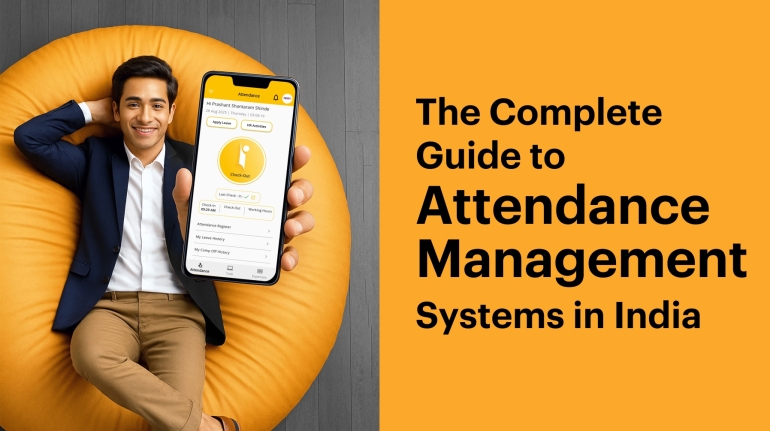
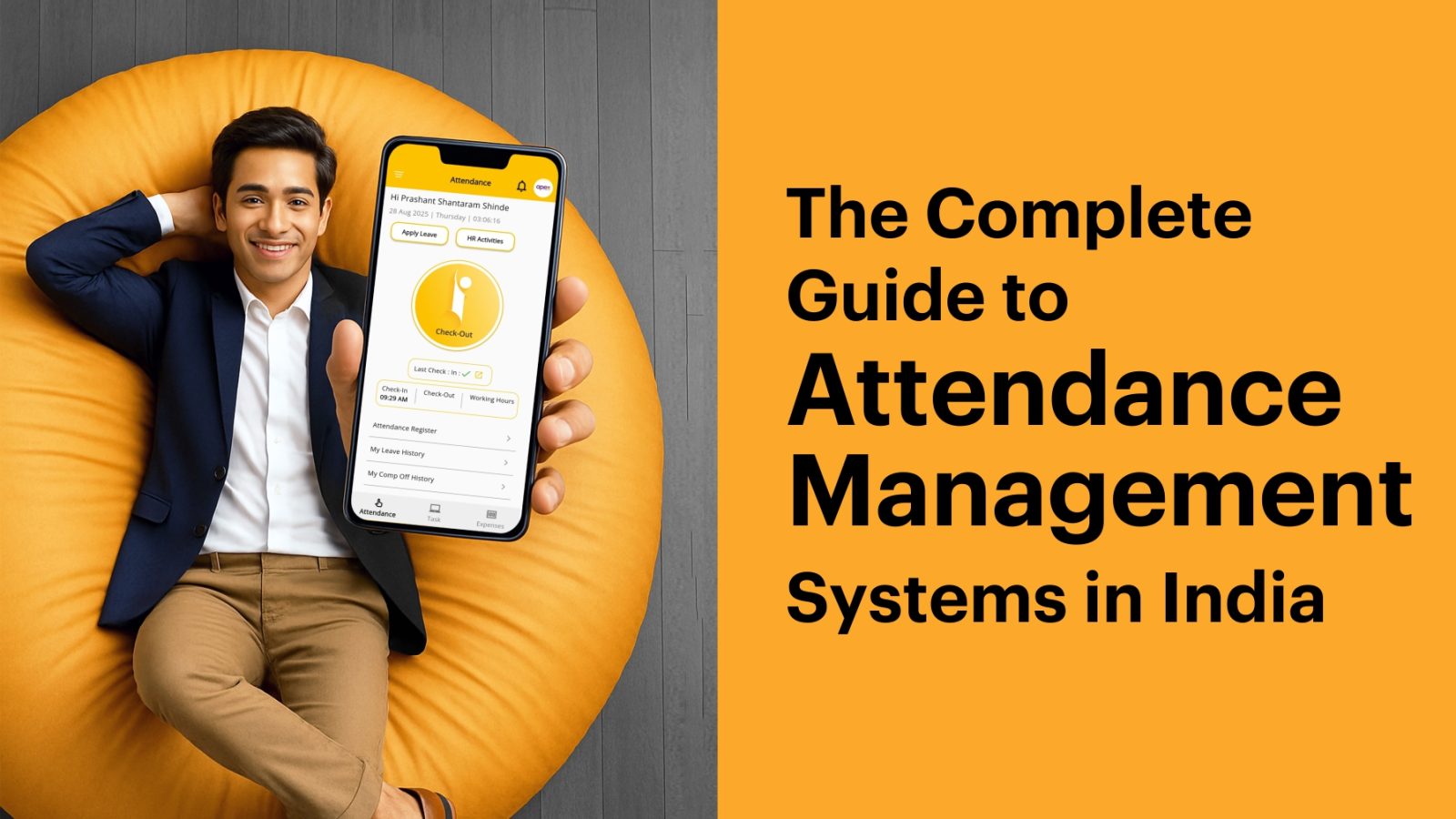
The Guide on Attendance Management Systems in India
In India, how you track employee attendance is more than an administrative task, it directly impacts payroll accuracy, statutory compliance, and operational efficiency. Yet, despite the availability of digital tools, many businesses continue to rely on methods that introduce error, delay, and risk.
This guide is for business owners, operations managers, and finance professionals who are evaluating an Attendance Management System (AMS) for the first time or looking to replace an outdated solution. We’ll walk through what an Attendance Management System is, why legacy methods fall short, what features matter in the Indian context, and how to choose a system that aligns with your business model.
The goal is not to sell a product, but to equip you with the knowledge to make a confident, informed decision.
What Is an Attendance Management System?
An Attendance Management System (AMS) is a digital platform designed to automate the recording, verification, and reporting of employee work hours. Unlike standalone time clocks or manual logs, a modern Attendance Management Software operates as part of a broader workforce management ecosystem, integrating with payroll, leave management, and compliance workflows.
At its best, an Attendance Management Software eliminates guesswork, prevents fraud, and provides real-time visibility into workforce availability. It replaces paper-based or error-prone processes with a centralized, auditable, and often mobile-enabled system.
Importantly, an Attendance System is not defined by hardware. While biometric devices were once the default, today’s most flexible systems are software-first, running on employees’ smartphones or web dashboards, with no requirement for fingerprint scanners, kiosks, or dedicated machines.
Why Legacy Attendance Methods Persist and Why They’re Problematic
Across India, three legacy approaches dominate: manual registers, spreadsheets, and biometric machines. Each has surface-level appeal but introduces significant operational friction.
1. Manual Registers and Paper Logs
Paper-based attendance remains common in small businesses due to its zero upfront cost and simplicity. However, it lacks verification, auditability, and scalability.
Proxy attendance is common: Without identity verification, colleagues can easily mark attendance for absent peers.
Data is static: Corrections are made retroactively, often based on memory or informal agreements.
No real-time insight: Managers only discover discrepancies during payroll processing, too late to act.
For businesses that rely on accurate time records for client billing, productivity tracking, or compliance, paper logs are inadequate.
2. Excel or Google Sheets
Spreadsheets offer more structure than paper but introduce new vulnerabilities:
Manual data entry remains: Someone must still input every punch, creating bottlenecks.
Version control issues: Multiple copies circulate via email or messaging apps, leading to conflicting data.
Limited validation: There’s no way to verify that a field employee was actually at a client site when they marked “present.”
No real-time tracking: These trackers do not provide instant updates, making it difficult for remote teams or managers to monitor attendance in real time.
Lack of advanced features: They lack modern capabilities like GPS-based tracking, automated alerts for lateness, or facial recognition.
Difficult to manage: As the company grows, managing and organizing spreadsheets becomes cumbersome, especially with multiple users.
Security concerns: Excel and Google Sheets lack the robust security features of dedicated software, making data vulnerable to tampering or loss.
While spreadsheets are free to start, they demand significant time to maintain and errors often go unnoticed until payroll is processed.
3. Standalone Biometric Machines
Biometric systems (fingerprint or facial recognition) reduce buddy punching but come with trade-offs:
Inaccuracy: Devices can misread biometrics due to factors like dry skin, scars, cuts, or heavy hand use from labor, leading to a high rate of false rejections.
Long queues: In large organizations, long queues can form, causing delays and frustration for employees.
Scanner issues: Scanners can malfunction or become less accurate over time without proper maintenance and cleaning.
Limited features: Biometric machines often only track attendance and may require extra cost to integrate with other HR management solutions.
Hardware dependency: Devices require upfront investment (typically ₹5,000 to ₹20,000 for basic models in the Indian market) and ongoing maintenance.
Connectivity problems: Dependence on a network connection means a lack of connectivity can prevent data from being synced, leading to data loss or delays
Single point of failure: If the machine malfunctions or the connected computer is offline, attendance data stops being captured.
Delayed reporting: Most biometric systems generate reports only at month-end, offering no real-time visibility.
Limited flexibility: They cannot accommodate remote or field-based employees without additional infrastructure.
In essence, biometric machines solve one problem (identity verification) while creating others (cost, downtime, rigidity).
What Defines a Modern Attendance Management System for Indian Businesses?
A truly effective Attendance Management System (AMS) in India must account for local operational realities. Global tools often fail because they assume consistent internet, standardized work hours, or integration with enterprise HRIS platforms none of which reflect the typical Indian SME.
The following features are critical for businesses operating in India:
Multi-Modal Attendance Capture
Not all employees work in the same environment. A system that forces every worker into a single method will either exclude some or compromise accuracy. The most adaptable platforms support multiple verification modes:
WiFi-based check-in: Employees can only mark attendance when connected to a designated office network and ideal for corporate settings.
Geo-fencing: Define a virtual boundary (e.g., 100–200 meters around a factory or store). Attendance is accepted only within this zone.
GPS tracking: For field staff, verify location at the time of punch-in/out using smartphone GPS.
Face recognition: Use the smartphone camera to confirm identity—no external hardware required.
This flexibility ensures that each employee is tracked using the most appropriate method for their role.
Real-Time Visibility and Mobile Access
One of the biggest limitations of legacy systems is delayed data. A modern Attendance Tracking Software should provide real-time dashboards accessible via mobile or web, allowing managers to:
See who is present or absent at any moment
Receive alerts for late arrivals or missed punches
Approve correction requests instantly
This immediacy transforms attendance from a retrospective record into a proactive management tool.
Integration with TallyPrime
For millions of Indian small and medium businesses, TallyPrime is the core accounting platform. An Attendance Management System that does not integrate with Tally creates redundant work: attendance data must be manually exported, reformatted, and re-entered into payroll.
Direct integration eliminates this friction, enabling:
Automatic calculation of salary based on actual attendance
Accurate computation of statutory contributions (PF, ESI, Professional Tax)
One-click posting of payroll entries to the ledger
Without this link, the benefits of digital attendance are significantly diluted.
Compliance with Indian Labor Regulations
India’s labor laws are complex and vary by state. While the new Indian Labour Codes 2020 aim to simplify regulations, implementation remains staggered, and businesses must still comply with existing rules under the Shops and Establishments Acts, Factories Act, and state-specific notifications.
A robust Attendance Management System should support:
Customizable attendance policies (e.g., late thresholds, break times)
Automatic calculation of overtime based on state rules
Leave management aligned with company policy and legal requirements
While no software can guarantee full compliance, a well-designed system reduces the risk of errors that could trigger penalties during audits.
Transparent, Usage-Based Pricing
Many vendors structure pricing around fixed user tiers (e.g., “₹4,000/month for up to 50 users”). This forces businesses to pay for capacity they don’t use, a particular burden for startups or seasonal operations.
Per-user, annual pricing aligns cost with actual usage and allows for seamless scaling. It also provides predictable budgeting, with no surprise fees for onboarding or support.
How to Implement an Attendance Management System Successfully
Deploying a new Attendance Software doesn’t have to be disruptive. A phased, thoughtful approach ensures adoption and minimizes resistance.
Step 1: Audit Your Current Process
Before selecting a system, understand your pain points:
How many hours per week are spent on attendance reconciliation?
What are the most common errors (e.g., proxy marking, missed punches, leave mismatches)?
Who is responsible for managing attendance data?
This clarity will help you prioritize features that solve real problems.
In addition, If you’re actively hiring, streamline your onboarding with our Free Offer Letter Generator, then ensure new hires are tracked accurately from Day 1.
Step 2: Map Employee Roles to Attendance Methods
Categorize your workforce:
Office staff → WiFi, geo-fencing or face recognition
Field employees → GPS (Geo Location)
Workshop labor → Face recognition (via shared device)
Assign the right method to each group to balance security and usability.
Step 3: Run a Pilot
Test the system with one department for 2–3 weeks. Measure:
Employee adoption rate
Reduction in manual corrections
Time saved on payroll processing
Use this feedback to refine your rollout plan.
Step 4: Train and Communicate
Host a brief session to show employees how to:
Download and log in to the app
Mark attendance correctly
Submit leave or correction requests
Most resistance stems from uncertainty, not opposition to technology.
Step 5. Integrate with Payroll Early
If you use an accounting software (For eg. TallyPrime) ensure the integration is active before full deployment. This closes the loop between attendance and salary, preventing reconciliation work.
On Choosing the Right Solution: A Practical Framework
When evaluating vendors, consider the following:
Hardware requirement: Does the system require biometric devices, or can it run on smartphones?
Pricing model: Is it per-user and scalable, or locked into fixed tiers?
Payroll integration: Is it native, or does it require manual exports?
Support and onboarding: Is setup assistance included? Is support available during business hours?
The best system isn’t the one with the most features, it’s the one that solves your specific problems with the least friction.
For businesses currently using registers, spreadsheets, or standalone biometric machines, the priority should be real-time visibility, zero hardware dependency, and seamless payroll integration.
A Note on iPresent: Designed for the Indian SME Reality
Among the growing number of attendance solutions, few are built specifically for the constraints and opportunities of Indian small and medium businesses.
iPresent is a mobile-first attendance management system that eliminates hardware dependency, integrates directly with TallyPrime, and uses per-user annual pricing, making it accessible to teams of any size.
Key differentiators include:
No biometric machines required: Employees use their own smartphones.
Four verification methods: WiFi, geo-fencing, GPS, and face recognition, assignable per role.
TallyPrime integration: Attendance data syncs automatically for salary calculation, PF/ESI, and tax compliance.
Transparent pricing: Starting at ₹270 per employee per year, plus ₹3,600 per admin user annually, no hidden tiers.
For businesses using registers, Excel, or standalone biometric devices, iPresent Attendance Management System offers a path to real-time visibility, reduced payroll errors, ensure compliance and month-end peace of mind without infrastructure investment.
A free ROI calculator is available to estimate your potential savings based on team size, current method, and average salary structure.
Final Thoughts
Digital transformation in attendance management isn’t about replacing paper with pixels. It’s about gaining control over a critical operational process that affects payroll, compliance, and productivity.
The right Attendance Management System for your business will reflect how your team actually works and not how a vendor assumes they should. By focusing on flexibility, integration, and real-world usability, you can move from monthly firefighting to daily clarity.
See iPresent Attendance Management System in Action
FAQs
An attendance management system is a digital solution that automates and centralizes the process of tracking employee time, absences, and leave requests. It replaces manual methods like paper logs with digital tools such as biometric scanners, mobile apps, or card swipes to accurately record work hours using modern technologies such as WiFi, GPS, or face recognition, and syncing it with payroll, leave which helps to improve efficiency, and ensure compliance with labor laws. The goal is to reduce errors, prevent fraud, and provide real-time visibility into workforce presence without requiring constant manual oversight.
Many small businesses continue using manual registers or Excel because they are familiar, require no upfront investment, and seem simple to operate. However, these methods are prone to human error, proxy attendance, version conflicts, and delays in reporting. They also create significant administrative burden often requiring 5–10 hours per month from owners or accountants to reconcile data before payroll. While low-cost to start, they become costly over time due to inefficiency and compliance risk.
Biometric machines can help prevent buddy punching, but they come with practical limitations. They require hardware investment (₹5,000–₹20,000), depend on stable power and internet connectivity, and often only generate reports at month-end, meaning issues go unnoticed until payroll is processed. For businesses with remote or field staff, biometric devices are often unusable. While still in use, they are increasingly being replaced by mobile-first systems that offer similar accuracy without the infrastructure cost or downtime risk.
Yes, and for most Indian SMEs, this is essential. TallyPrime is used by millions of businesses for accounting and payroll. A modern Attendance Management System should integrate directly with Tally to auto-sync attendance data, calculate salaries, apply statutory deductions (PF, ESI, Professional Tax), and generate ledger entries. Without this integration, you’re still manually transferring data, defeating the purpose of digitization and increasing the risk of payroll errors.
Focus on these 4 criteria:
- No hardware dependency – Can it work on smartphones?
- Multiple attendance methods – Does it support WiFi, geo-fencing, GPS, and face recognition? This is so that no matter where your staff is working be it office, on field or from home, they are covered.
- Accounting Software integration – Can it auto-sync with your accounting software?
- Per-user pricing – Are you paying for what you use, or forced into fixed user tiers?